Stop Guessing, Start Knowing: The UTM System That Turns Marketing Into Growth
Stop Guessing, Start Knowing: The UTM System That Turns Marketing Into Growth
Key Takeaway
Key Takeaway
As a business owner, you’ve likely spent many late nights staring at your bank account and then at your marketing dashboards, trying to connect the dots.
You know you’re running Meta ads. You know you’re sending emails. You know you’re posting on LinkedIn. But when a high-value client signs a contract or a flurry of orders hits your store, you’re often left asking: "Which specific thing I did actually caused this?"
Usually, we rely on tools like Google Analytics, Meta Analytics, or Bing Clarity to tell us. But there is a problem: these tools speak in "computer code." They see clicks as a string of random numbers and IDs. To truly own your growth, you need to stop letting the machines name your marketing and start doing it yourself.
The solution is a simple habit used by every major brand you admire. It’s called UTM Tracking.
What is a UTM? (The "Digital Post-it Note")
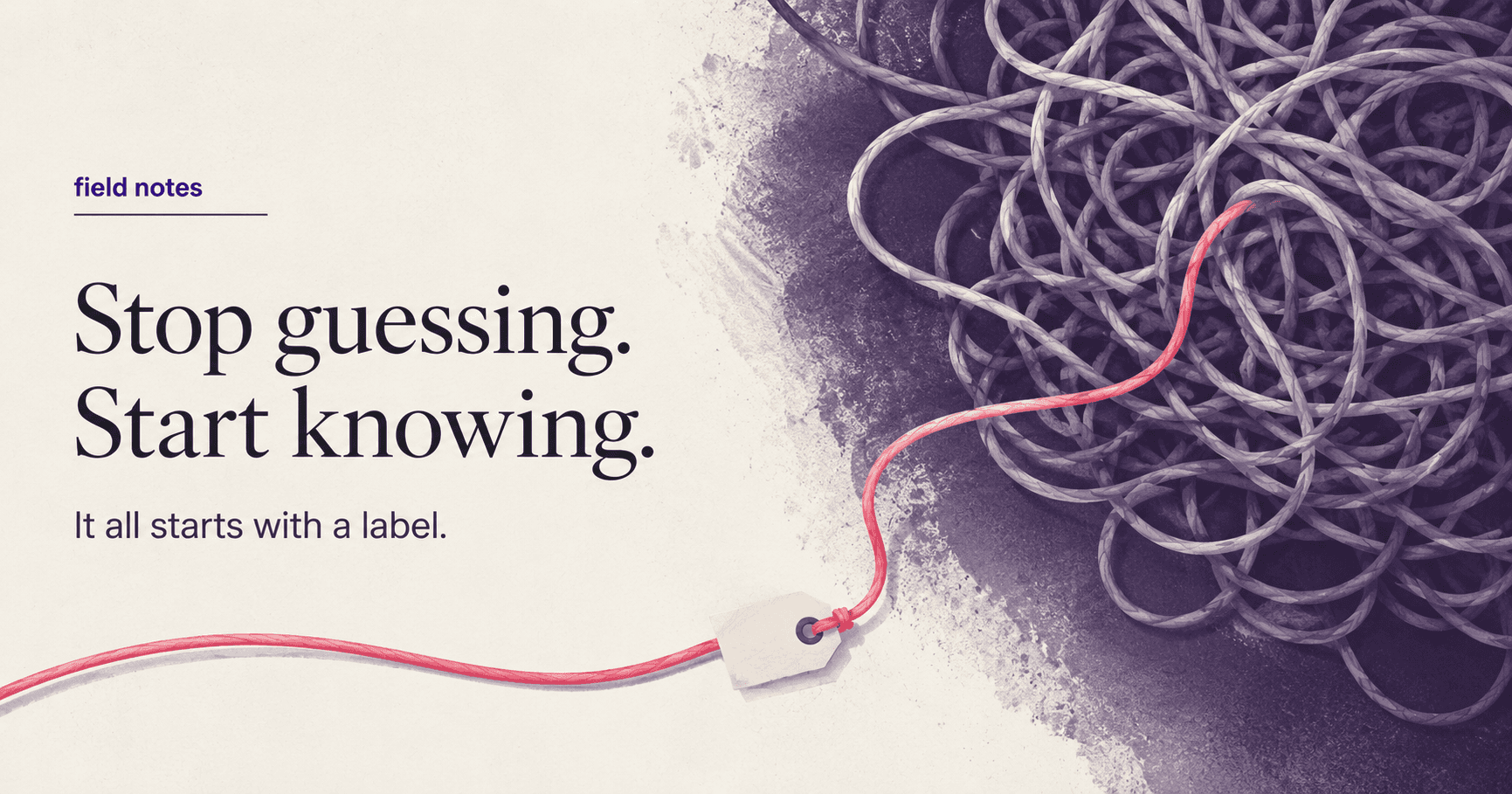
Don't let the name intimidate you. A UTM is nothing more than a digital label you stick to the end of your website link.
Think of your website URL like a plain white envelope. If you drop 100 envelopes in the mail, you won't know which one came from which marketing effort. A UTM is like writing a small note on the back of the envelope before you send it: "This one is from the March Newsletter" or "This one is from the Facebook Video Ad."
When that "envelope" arrives at your website, your analytics tools see the note and file it exactly where you told them to.
Why This is Better Than "Standard" Tracking
While Google and Meta are smart, they are "outsiders." They don't know your business goals. When you use UTMs, you take control:
It’s Human-Readable: Instead of seeing a report that says
Campaign_ID: 987234_x, you see a report that saysCampaign: New_Product_Launch. You don't need a tech team to translate your data.You Create the Plan: You can decide on a "naming pattern" for your whole year. If you name every link from your LinkedIn posts with the tag
Social-Authority, you can see at the end of the year exactly how much revenue your "Authority" posts generated vs. your "Sales" posts.It Works Everywhere: You can even track "offline" things. Want to know if that expensive billboard or the flyer in your packaging is working? Put a QR code on it that contains a UTM link. When someone scans it, your computer will tell you: "This customer came from the physical flyer."
A Simple Way to Organize Your Links
To start, you only need to worry about three "labels." You can use a free tool (like Google’s Campaign URL Builder) to "stick" these labels onto your links:
Source: Which "store" are you standing in? (e.g.,
google,facebook,newsletter)Medium: How are you delivering the message? (e.g.,
paid-ad,organic-post,email)Campaign: What is the specific project? (e.g.,
summer-sale,free-consultation-offer)
Pro Tip: You can also use this to "spy" on the competition. Next time you see a competitor’s ad, click it and look at the web address. You’ll see their UTMs. It’s like being able to read their internal marketing notes!
How to Start (Without a Tech Degree)
You don't need to write code. You just need to make a pact with yourself and your team: Never post a "naked" link again.
Before a link goes into an ad, an email, or a social media bio, run it through a link builder. Give it a name that makes sense to you. Within a few weeks, your Google Analytics will transform from a mess of random data into a clear, organized story of your business growth.
The big guys aren't smarter than you; they just have better labels. When you look at your marketing results next month, wouldn't you rather read a story you wrote yourself?
Key Takeaway
As a business owner, you’ve likely spent many late nights staring at your bank account and then at your marketing dashboards, trying to connect the dots.
You know you’re running Meta ads. You know you’re sending emails. You know you’re posting on LinkedIn. But when a high-value client signs a contract or a flurry of orders hits your store, you’re often left asking: "Which specific thing I did actually caused this?"
Usually, we rely on tools like Google Analytics, Meta Analytics, or Bing Clarity to tell us. But there is a problem: these tools speak in "computer code." They see clicks as a string of random numbers and IDs. To truly own your growth, you need to stop letting the machines name your marketing and start doing it yourself.
The solution is a simple habit used by every major brand you admire. It’s called UTM Tracking.
What is a UTM? (The "Digital Post-it Note")
Don't let the name intimidate you. A UTM is nothing more than a digital label you stick to the end of your website link.
Think of your website URL like a plain white envelope. If you drop 100 envelopes in the mail, you won't know which one came from which marketing effort. A UTM is like writing a small note on the back of the envelope before you send it: "This one is from the March Newsletter" or "This one is from the Facebook Video Ad."
When that "envelope" arrives at your website, your analytics tools see the note and file it exactly where you told them to.
Why This is Better Than "Standard" Tracking
While Google and Meta are smart, they are "outsiders." They don't know your business goals. When you use UTMs, you take control:
It’s Human-Readable: Instead of seeing a report that says
Campaign_ID: 987234_x, you see a report that saysCampaign: New_Product_Launch. You don't need a tech team to translate your data.You Create the Plan: You can decide on a "naming pattern" for your whole year. If you name every link from your LinkedIn posts with the tag
Social-Authority, you can see at the end of the year exactly how much revenue your "Authority" posts generated vs. your "Sales" posts.It Works Everywhere: You can even track "offline" things. Want to know if that expensive billboard or the flyer in your packaging is working? Put a QR code on it that contains a UTM link. When someone scans it, your computer will tell you: "This customer came from the physical flyer."
A Simple Way to Organize Your Links
To start, you only need to worry about three "labels." You can use a free tool (like Google’s Campaign URL Builder) to "stick" these labels onto your links:
Source: Which "store" are you standing in? (e.g.,
google,facebook,newsletter)Medium: How are you delivering the message? (e.g.,
paid-ad,organic-post,email)Campaign: What is the specific project? (e.g.,
summer-sale,free-consultation-offer)
Pro Tip: You can also use this to "spy" on the competition. Next time you see a competitor’s ad, click it and look at the web address. You’ll see their UTMs. It’s like being able to read their internal marketing notes!
How to Start (Without a Tech Degree)
You don't need to write code. You just need to make a pact with yourself and your team: Never post a "naked" link again.
Before a link goes into an ad, an email, or a social media bio, run it through a link builder. Give it a name that makes sense to you. Within a few weeks, your Google Analytics will transform from a mess of random data into a clear, organized story of your business growth.
The big guys aren't smarter than you; they just have better labels. When you look at your marketing results next month, wouldn't you rather read a story you wrote yourself?
From marketing strategy to campaign execution, we take care of it all. The emphasis here is on creating growth.
© TouchCraft Digital Private Limited
From marketing strategy to campaign execution, we take care of it all. The emphasis here is on creating growth.
© TouchCraft Digital Private Limited
From marketing strategy to campaign execution, we take care of it all. The emphasis here is on creating growth.
© TouchCraft Digital Private Limited